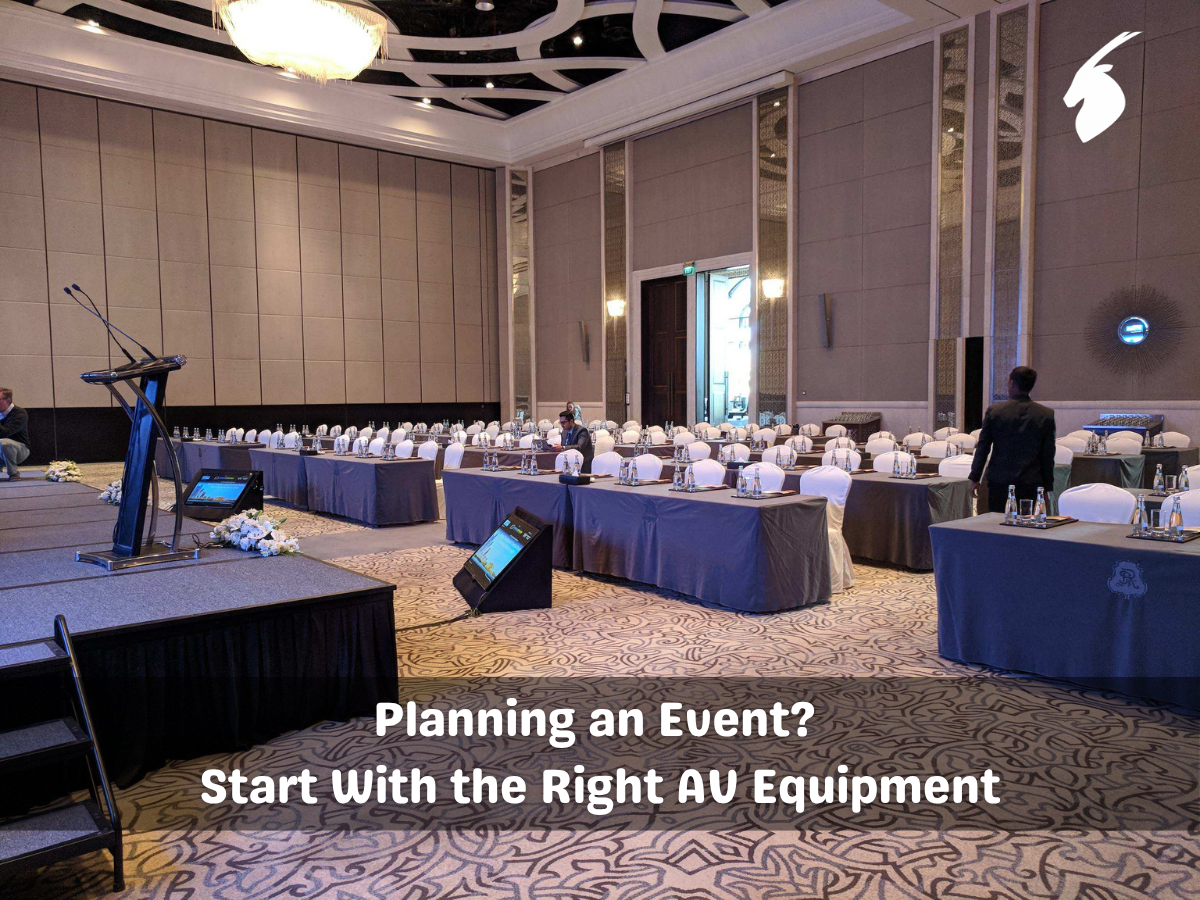
Planning an Event? Start With the Right AV Equipment
By Humais Waqar, Marketing Head, Purrple Orryx Events · 19 Sept 2026 · 8 min read
Planning a corporate event? Purrple Orryx is a corporate event management company in Dubai: we plan and deliver event production end to end.
“Choosing the right AV equipment can make every important event moment clearer, smoother, and more memorable. From crisp sound and bright screens to well-planned lighting, each element helps create the right atmosphere. With careful planning and reliable technical support, your event can feel effortless while guests stay focused on the moments that truly matter.”
Key Takeaways
- Choose Event AV Equipment based on your event type, venue, audience, and programme needs.
- Prioritize clear sound, visible screens, suitable lighting, and safe equipment placement.
- Test all equipment before the event and keep essential backups ready.
- A skilled technical operator can help manage transitions and handle unexpected issues.
- Good AV planning keeps technology in the background while letting guests focus on the moments that matter most.
An event can look beautiful and feel exciting, yet still lose impact when guests cannot hear the speaker, see the presentation, or follow what is happening on stage. The right Event AV equipment brings every important moment to life. From a heartfelt wedding speech to a major product presentation, sound, lighting, screens, and technical support all influence how guests experience the occasion.
Choosing AV equipment is not simply about selecting the most powerful speakers or the largest screen. The right setup depends on the venue, audience, event format, programme, and atmosphere you want to create. With thoughtful planning, technology can work quietly in the background while allowing every important moment to take centre stage.
Start by Understanding Your Event
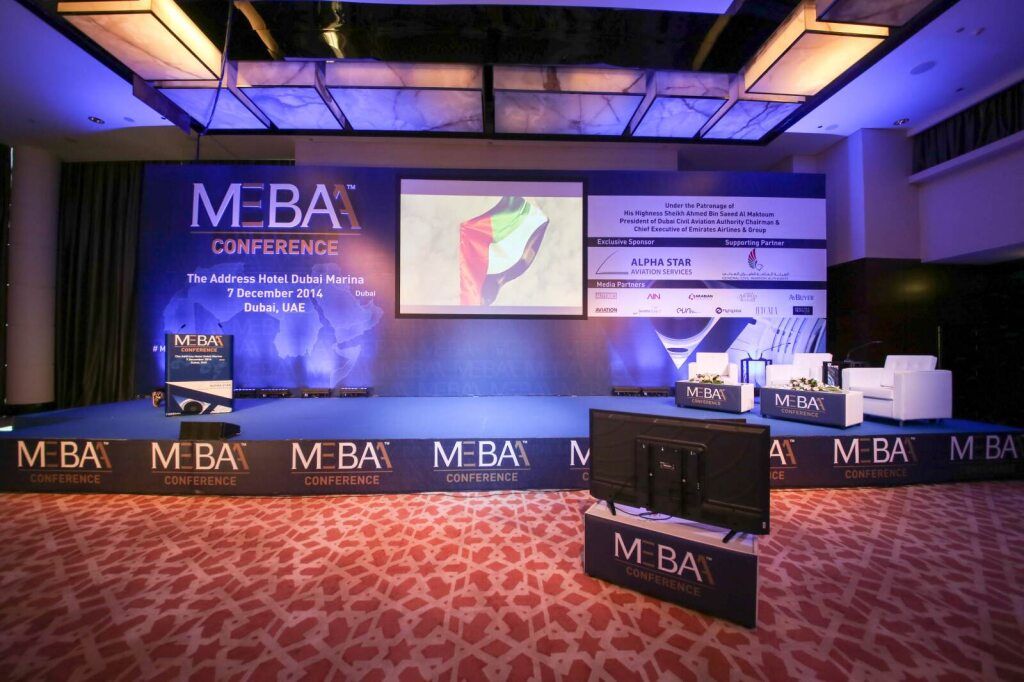
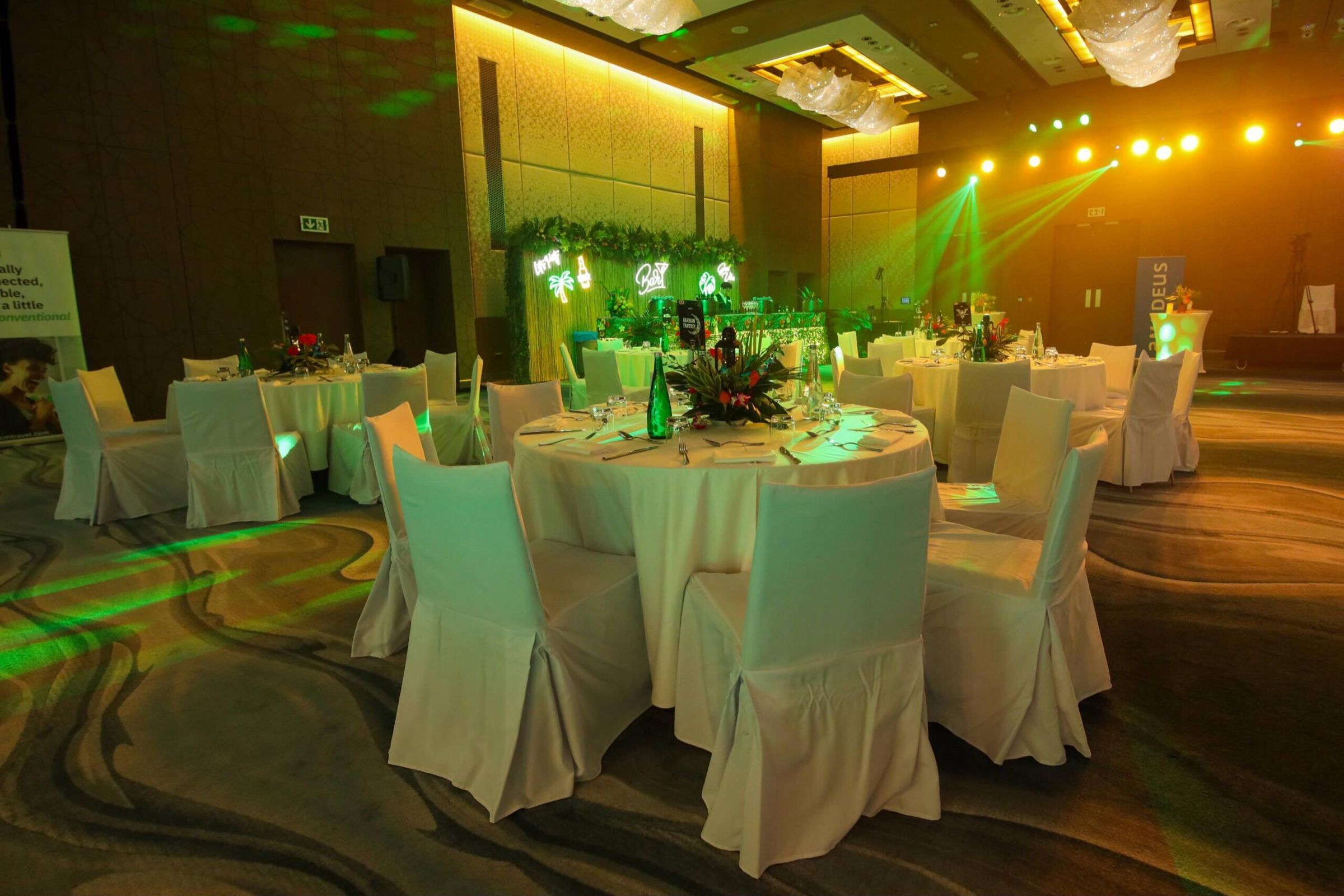
Before choosing any equipment, think about what your guests need to hear, see, and experience. A small private gathering may only require a basic sound system, microphones, and ambient lighting. A large conference may need multiple screens, presentation equipment, stage lighting, professional microphones, and technical operators. A wedding may require separate audio setups for the ceremony and reception, while a product launch could depend heavily on large displays and carefully timed lighting effects. The event type should guide your AV plan rather than the other way around.
Start by considering:
- Number of guests
- Indoor or outdoor venue
- Room size and layout
- Stage dimensions
- Type of presentations or entertainment
- Number of speakers or performers
- Lighting conditions
- Live streaming or hybrid requirements
- Available power and internet connections
This early planning can prevent unnecessary equipment and help make sure important technical details are not overlooked.
Choose Event AV Equipment Based on the Venue
The same equipment will not perform equally well in every space. A compact meeting room, hotel ballroom, outdoor garden, and exhibition hall all create different technical requirements. Visit the venue before finalising your equipment list. Look at the room dimensions, ceiling height, seating arrangement, natural light, stage location, power points, and available technical infrastructure.
For example, a room with large windows and strong daylight may not be suitable for a standard projector unless the space can be darkened effectively. An LED screen may provide better visibility in bright surroundings. Outdoor events require additional planning. Speakers and other equipment may need protection from weather conditions, while cable routes and power sources must be carefully managed. A venue assessment also helps identify potential restrictions. Some venues have rules regarding rigging, sound levels, equipment installation, or technical staff. Knowing these requirements early can make the setup process much smoother.
Build a Sound System Around Clarity
Sound is one of the most noticeable parts of any event, even when guests do not consciously think about it. A speaker who cannot be heard clearly can quickly lose the audience's attention. Music that is too loud can make conversation uncomfortable, while poor microphone placement can create distracting feedback. The goal should be clear and balanced audio.
Depending on the event, your Event AV Equipment may include:
- Main speakers
- Subwoofers
- Wireless microphones
- Lapel microphones
- Headset microphones
- Mixing consoles
- Audio processors
- Stage monitors
- Backup microphones
A conference with multiple presenters may need several microphone options. A wedding could require microphones for speeches, ceremonies, entertainment, and announcements. A live performance may require a more detailed audio setup for musicians and performers. It is also important to test microphones from different areas of the stage. A system that sounds clear during a quick check may behave differently once the room is full of people.
Select the Right Screens and Displays
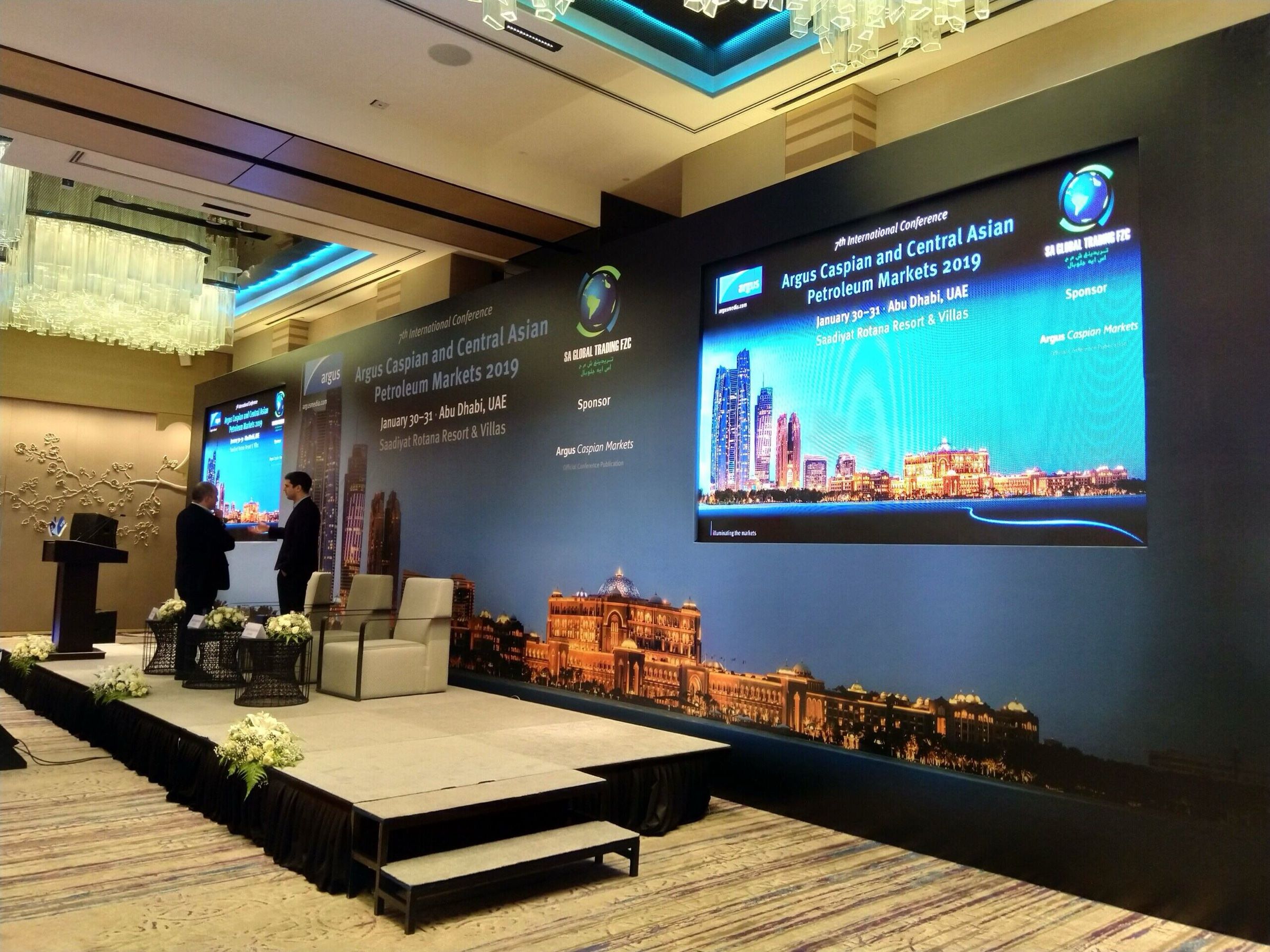
Visual communication can shape how guests understand and remember an event. Screens may be used for presentations, videos, photographs, live camera feeds, event schedules, branding, or entertainment. However, choosing a screen should involve more than simply selecting the largest available option. Think about where guests will be sitting and how far they will be from the display.
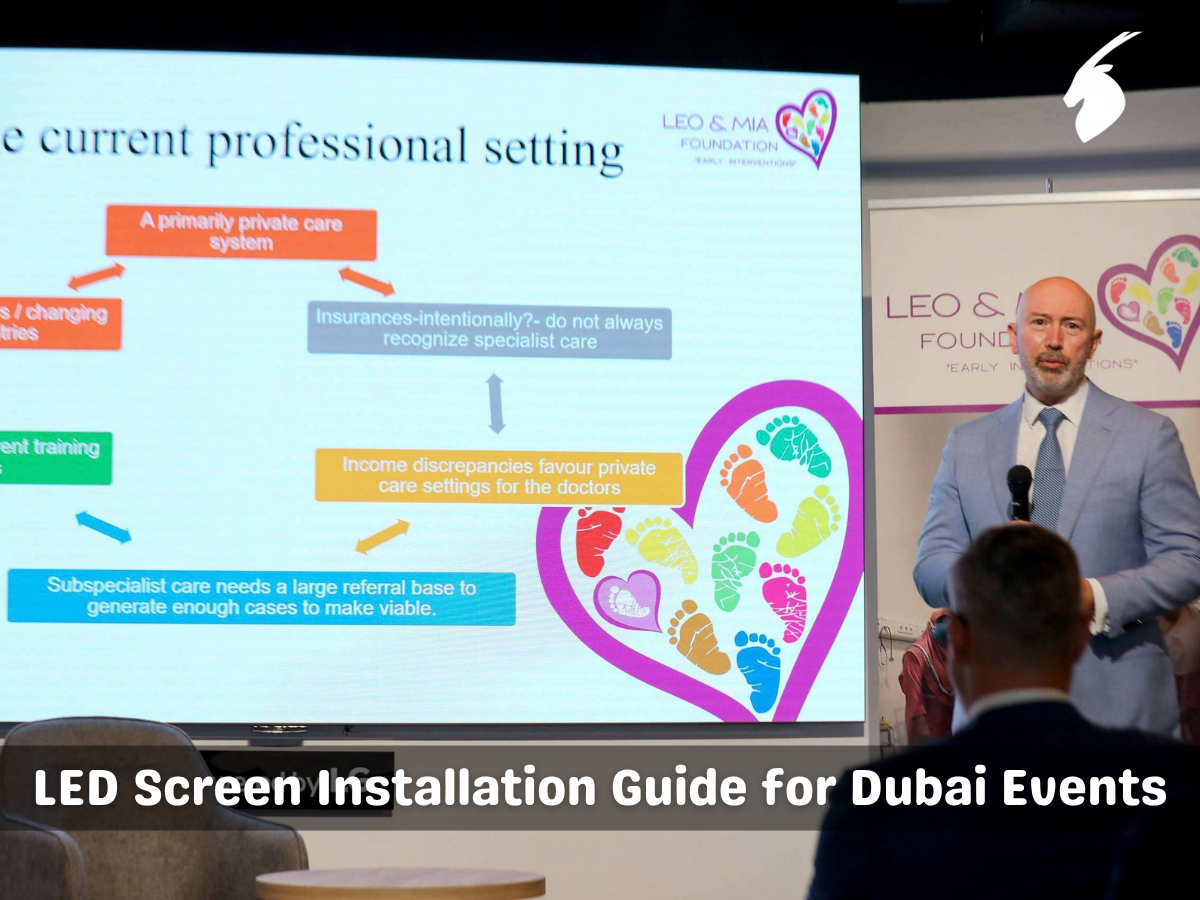
A single screen may work well for a smaller room. A wide venue may require additional displays so guests sitting at the sides can see comfortably. Large LED displays can be useful when brightness, scale, and visual impact are important. For conferences and corporate events, presentation content should also be checked before the event. Slides should use readable text and suitable images. Videos should be tested with both picture and sound. For weddings and private celebrations, photo slideshows and videos should be played in advance to make sure they work correctly on the chosen display system.
Use Lighting to Create the Right Atmosphere
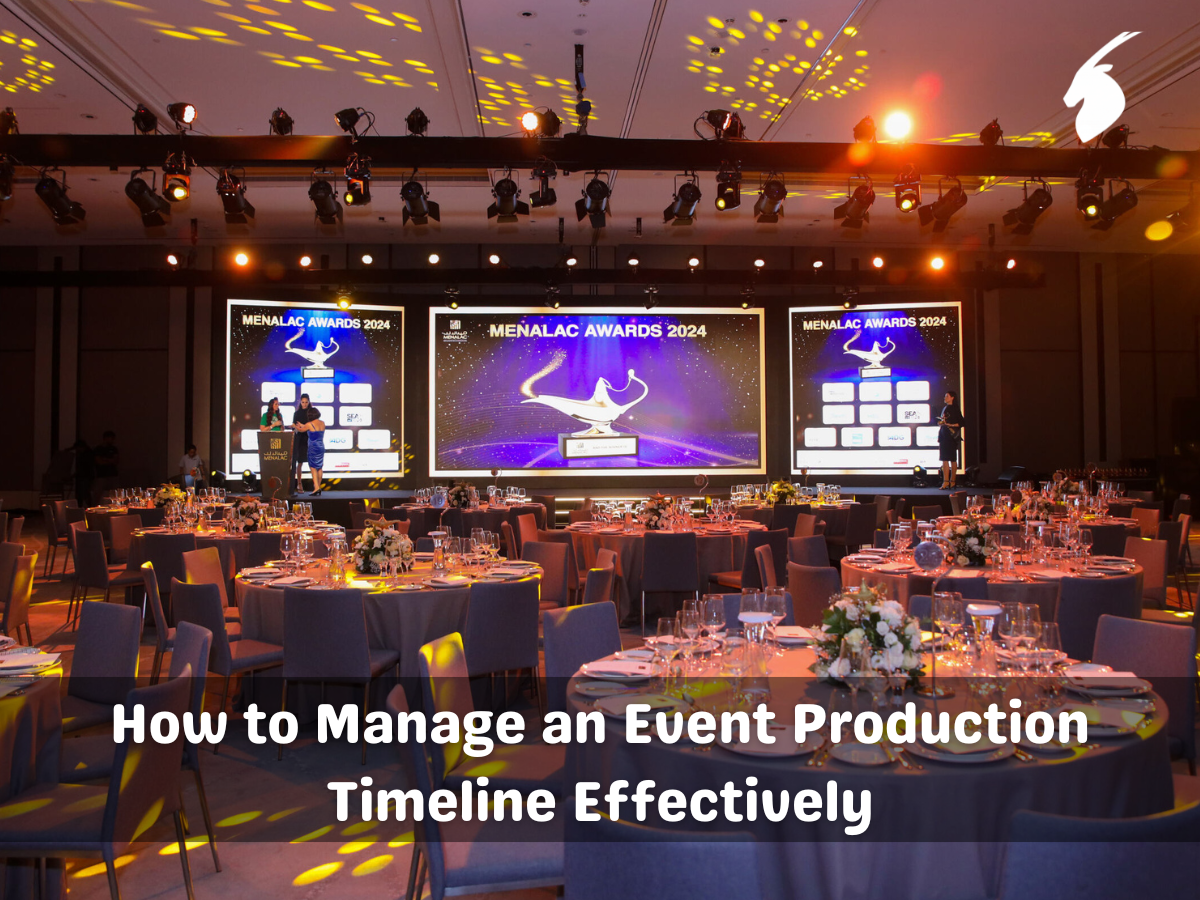
Lighting does much more than make a venue brighter. It can influence mood, highlight important areas, and help create a visual connection between different parts of an event. Soft lighting can create a warm and intimate atmosphere for a dinner or wedding. Stage lighting can keep speakers visible during presentations. Uplighting can add depth to walls, while moving lights can bring more energy to a dance floor or entertainment segment. The lighting plan should match the purpose of the event.
Consider separate lighting requirements for:
- Stage presentations
- Guest seating
- Dinner areas
- Dance floors
- Entrances
- Product displays
- Photography areas
- Walkways and exits
If photography or video recording is part of the event, coordinate the lighting setup with the media team. Excessive brightness, changing colours, or poorly positioned lights can affect photographs and video quality.
Plan the Stage and Equipment Placement
A well-designed stage should allow guests to focus on the programme without being distracted by technical equipment. Place speakers, screens, microphones, lighting fixtures, and other equipment where they support the event rather than interfere with it. Equipment should not block important sightlines or create hazards for guests and performers.
Stage planning should also consider:
- Speaker positions
- Presenter movement
- Microphone placement
- Screen visibility
- Lighting angles
- Performer access
- Cable routes
- Camera positions
- Accessibility
Cable management is especially important. Loose cables across walkways can create safety risks and can also affect the appearance of an otherwise carefully designed venue. Where cables need to cross guest areas, they should be secured and protected appropriately.
Do Not Overlook Power and Connectivity
Modern events often depend on more than speakers and screens. Presentations, livestreams, video playback, wireless systems, cameras, lighting, and other equipment may all require reliable power and connectivity. Create a power plan before installation begins. Check whether the venue can support the combined electrical demand of the AV setup, catering equipment, lighting, décor, and other services. Outdoor events may require additional power solutions.
Internet connectivity should also be checked when the event includes:
- Live streaming
- Remote speakers
- Hybrid meetings
- Online presentations
- Real-time audience interaction
- Cloud-based content
- Social media displays
A venue's regular Wi-Fi may be suitable for guests, but not necessarily reliable enough for a live broadcast. Technical requirements should therefore be discussed well before the event.
Include a Technical Operator
Good equipment still needs good handling. A technical operator can monitor sound, manage presentations, adjust lighting cues, switch between video sources, and respond when the programme changes. This becomes especially valuable during events with several transitions.
Imagine a speaker finishes earlier than expected, a presentation needs to be changed, or a video suddenly needs to be replayed. Having someone responsible for the technical side means these changes can be handled without placing unnecessary pressure on the event host. The operator should receive the final event schedule, presentation files, music cues, videos, and other technical information before the event begins.
Test Everything Before Guests Arrive
One of the simplest ways to reduce technical problems is to allow enough time for testing. Do not wait until guests are entering the venue to discover that a microphone is not working or a presentation cannot be displayed.
A proper AV check should include:
- Testing every microphone.
- Checking speaker coverage throughout the room.
- Testing videos and presentations.
- Confirming screen visibility.
- Checking lighting positions and cues.
- Testing music playback.
- Reviewing camera positions if needed.
- Checking internet connectivity.
- Confirming backup equipment.
- Running through important programme transitions.
A complete rehearsal is particularly valuable for conferences, award ceremonies, weddings, performances, and other events with several planned cues.
Keep Backup Equipment Ready
Even carefully tested equipment can experience unexpected problems. A backup microphone, additional cables, spare batteries, duplicate presentation files, and alternative playback devices can provide valuable protection against small technical failures. Important files should be stored in more than one location. Presentation decks, videos, music tracks, and event schedules should have accessible backup copies. These small preparations may never be noticed by guests. That is exactly the point. Good technical planning allows the event to continue without unnecessary disruption.
Match the Equipment to the Guest Experience
The purpose of Event AV Equipment is not simply to fill a technical checklist. It should support the experience you want guests to have.
A wedding may need warm lighting, clear speech microphones, music playback, and video displays. A conference may require presentation screens, microphones, stage lighting, recording, and audience microphones. A gala dinner could combine elegant lighting, background music, large displays, and stage equipment. Think about the moments guests are most likely to remember.
Will they hear the speaker clearly? Will everyone be able to see the presentation? Will the lighting support the mood? Will transitions happen smoothly? Will the technology support the event instead of distracting from it?
These questions help create an AV plan that is practical without losing the emotional side of the occasion.
Final Thought
An event is made up of moments that cannot always be repeated. A first speech, a special announcement, a performance, a product reveal, or a meaningful celebration deserves to be experienced clearly by everyone in the room.
The right Event AV Equipment helps protect those moments. When sound is balanced, screens are visible, lighting feels natural, and technical support is prepared, guests can focus on what truly matters. Good AV planning is not about adding more technology. It is about choosing the right technology, placing it thoughtfully, testing it carefully, and making sure it serves the people experiencing the event.
Frequently Asked Questions
1. What is Event AV Equipment?
Event AV Equipment includes the audio and visual technology used to support an event. This can include speakers, microphones, LED screens, projectors, lighting, mixing systems, and presentation equipment. The right setup helps guests hear clearly, see important content, and stay connected to every moment.
2. How Do I Choose the Right AV Equipment for an Event?
Start by considering the event type, venue size, guest count, seating arrangement, stage setup, lighting conditions, and programme. These details help determine which equipment is necessary. A well-planned setup ensures that technology supports the event without adding unnecessary complexity.
3. Is an LED Screen Better Than a Projector for Events?
Both options can work well, depending on the venue and event requirements. LED screens are particularly useful in spaces with strong ambient light, while projectors can be effective when lighting can be controlled. Viewing distance, screen size, content, and venue layout should all be considered before making a choice.
4. Why Is Sound Testing Important Before an Event?
Sound testing helps identify problems such as microphone feedback, uneven audio coverage, low volume, or unclear speech before guests arrive. It also gives the technical team time to make adjustments. Clear sound allows speeches, performances, announcements, and other meaningful moments to reach everyone comfortably.
5. Does an Event Need a Professional Technical Operator?
An experienced technical operator can be valuable for events involving multiple speakers, presentations, videos, lighting cues, performances, or livestreaming. They can manage transitions, monitor the equipment, and respond quickly if something changes, helping the event continue smoothly without distracting guests.
6. How Early Should I Plan Event AV Equipment?
AV planning should begin during the early stages of event preparation. Assessing the venue, power supply, equipment access, stage layout, screen requirements, and technical restrictions in advance gives the team enough time to test everything and prepare backup solutions. This preparation can make a significant difference when the event day finally arrives.
About the author: Humais Waqar, Marketing Head, Purrple Orryx Events. Humais Waqar leads marketing at Purrple Orryx Events, the Dubai corporate event management company, and writes about planning conferences, gala dinners, launches and team events in the UAE.